
Tenuto
App Store · Music
Tenuto(musictheory.net, LLC)은(는) Music 카테고리의 App Store 앱으로, 미국 차트 수집 과정에서 기록됐습니다.
Tenuto 관측 요약
| 스토어 | App Store |
|---|---|
| 카테고리 | Music |
| 개발사 | musictheory.net, LLC |
| 관측 국가 | 미국 |
| 콘텐츠 수집일 | 2026-08-30 |
Tenuto은(는) 어떤 앱인가
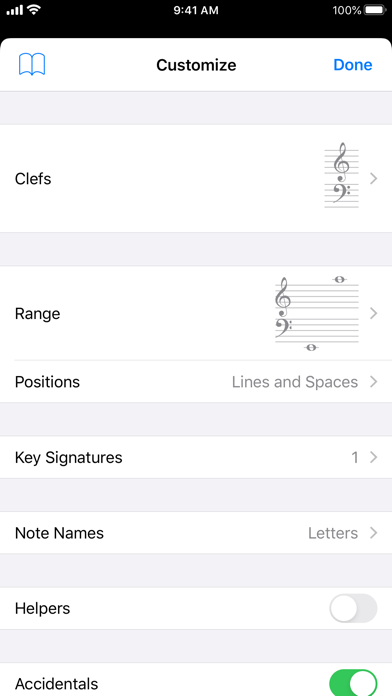
Tenuto는 음악성을 향상시키기 위해 고안된 고도로 맞춤화 가능한 24가지 연습 모음입니다. 키보드로 코드를 인식하는 것부터 귀로 음정을 식별하는 것까지 다양한 연습이 가능합니다. Tenuto에는 우발음, 음정, 음계, 화음, 분석 기호 및 12음 행렬을 위한 6가지 음악 계산기도 포함되어 있습니다.
연습문제와 계산기에 대한 간략한 설명은 다음과 같습니다.
––––––
• 메모 식별 • 주요 서명 식별 • 간격 식별 • 저울 식별 • 코드 식별 쓰여진 오선에 해당하는 버튼을 탭하세요. 예를 들어 C, E, G에 날카로운 표시가 있는 경우; "증강 트라이어드" 버튼을 탭하세요.
––––––
• 노트 구성 • 주요 서명 구성 • 간격 구성 • 규모 건설 • 코드 구성 메모를 이동하거나 우연한 내용을 추가하여 지정된 라벨을 구성합니다. 예를 들어 C와 "Augmented 4th" 레이블이 표시되면 두 번째 음표를 F로 이동하고 샤프를 추가합니다.
––––––
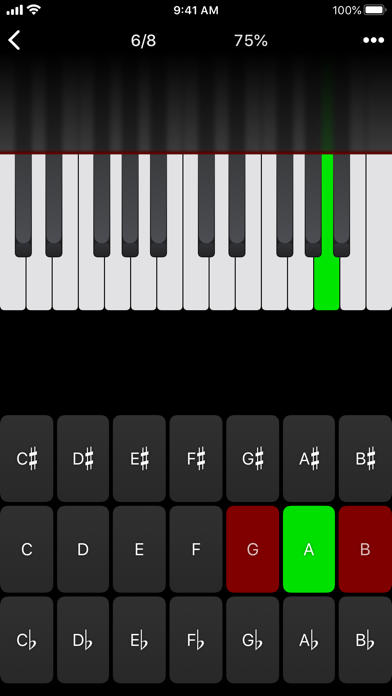
• 키보드 역방향 식별 오선지에 적힌 음표에 해당하는 피아노 건반을 탭하세요. 음표 식별과 유사하지만 이 연습에서는 음표 이름 버튼 대신 피아노 키보드를 사용합니다.
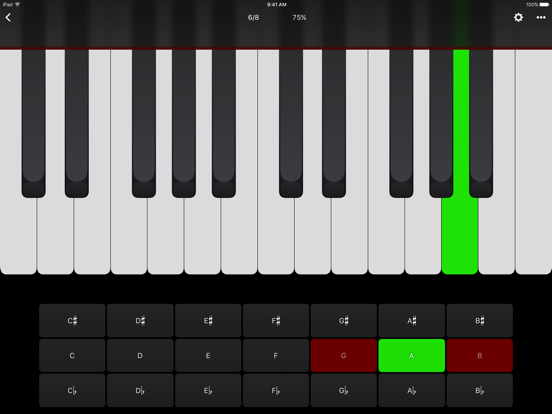
• 키보드 음표 식별 • 키보드 간격 식별 • 건반 스케일 식별 • 건반 코드 식별 강조 표시된 피아노 건반에 해당하는 버튼을 누릅니다. C와 G 키가 강조 표시되면 "P5"(완벽 5도) 버튼을 탭하세요.
––––––
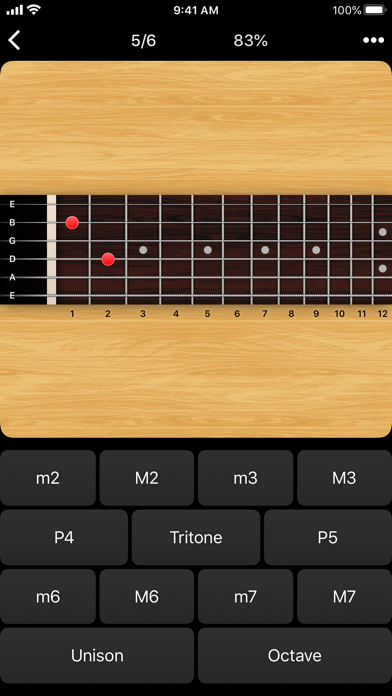
• 지판 메모 식별 • 지판 간격 식별 • 지판 스케일 식별 • 지판 코드 식별 표시된 지판 위치에 해당하는 버튼을 누릅니다. D현의 두 번째 프렛이 표시되어 있으면 "E" 버튼을 탭하세요.
––––––
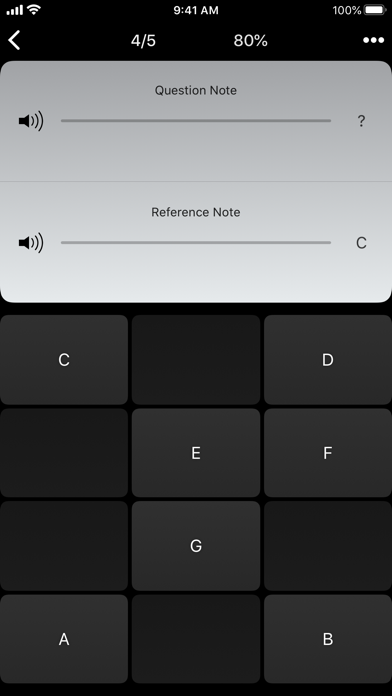
• 키보드 귀 훈련 • 노트 청취 훈련 재생된 레퍼런스를 듣고
질문 메모. 문제 메모에 해당하는 피아노 건반이나 메모 버튼을 선택하세요.
• 간격 귀 훈련 • 비늘 귀 훈련 • 화음 귀 훈련 연주한 음표에 해당하는 버튼을 누릅니다. E와 F가 연주되면 "Minor 2nd" 버튼을 탭하세요.
––––––
• 우연한 계산기 메모와 키에 대한 우연한 표시를 표시합니다.
• 간격 계산기 음표, 유형 및 키의 간격을 표시합니다.
• 코드 계산기 강장제 및 스케일 유형에 대한 스케일을 표시합니다.
• 코드 계산기 음표, 유형 및 조에 대한 코드를 표시합니다.
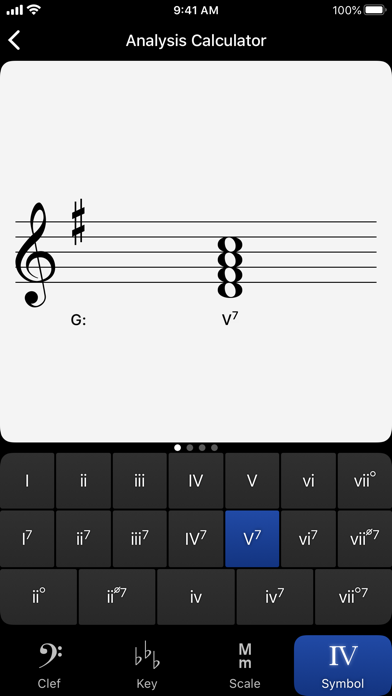
• 분석 계산기 기호와 키의 코드를 표시합니다.
• 매트릭스 계산기 지정된 톤 행에 대한 12톤 매트릭스를 표시합니다.
스토어 설명을 기계 번역한 내용입니다.
현재 관측 상태
이 앱은 최근 관측 창(신규·급상승)에 포함돼 있지 않아 최신 순위 근거가 없습니다. 수집된 스토어 콘텐츠만 표시하며, 없는 순위를 추정하지 않습니다.
스크린샷
순위 이력 보기
Tenuto 순위 궤적 차트에서 국가·차트별 일별 순위를 볼 수 있습니다. App Store에서 보기